Open-weight AI models now run on a workstation, a server in your equipment room, or GPU servers in a data center. For work the firm prefers not to send to an outside model provider, we select, install, secure, and train your firm on a local setup — and review everything else in its data path.
The Shift
Three years, three very different places your client data can go
The question is no longer "should we use AI?" — in Clio's 2025 Legal Trends Report, 79% of legal professionals surveyed said they already do. The question is where the data goes when they do. Scroll the timeline; the diagram follows.
Written by Shaun Smith, Clio AI Certified — Legal AI Fundamentals. Last reviewed .
Your firmAttorneys & staffPrompts & selected documents
Review the account settingsTraining use, retention, access and account ownership depend on the product and settings.
Verify the plan's controlsConfirm the agreement, training use, retention, access, audit features and offboarding.
Review the complete setupCheck the model license, telemetry, connectors, backups and remote support.
Personal account. In this example, the provider processes prompts under the account's terms. Training and retention choices vary. Check who owns and can administer the account, and which uses the firm's policy permits.
Business plan, configured. The provider processes requests under the applicable agreement. Available controls vary by product, plan and feature; verify their settings. Search, connectors and agents may involve additional services.
Local, open-weight model. With local inference configured, the model processes prompts on firm-managed hardware. Review any other services that receive data. Cloud, local and hybrid setups can each suit different tasks.
2023 — The consumer chatbot era
Personal accounts need a firm-specific review
A personal account may offer useful capabilities for permitted work. Review the current product terms and settings: whether inputs may be used for training, how long data is retained, who can access it, and who owns the account. Also confirm whether the firm can administer access and offboard departing staff. The account label alone does not establish which tasks or data are appropriate.
Check training settingsCheck retentionReview termsConfirm access
2024–2025 — The governed commercial era
Same models, under a contract you actually signed
Team, Business, and Enterprise plans of Claude, ChatGPT, Gemini, and Copilot generally exclude business data from training by default, and their agreements — often with a data processing addendum built in — set out how data is handled. Retention settings, single sign-on, audit logs, and in some cases zero-data-retention or a HIPAA business associate agreement can be added. These are different protections: no-training is not zero retention, and features such as web search, connectors, file stores, and agents can change where data goes. We set this up under AI & LLM Adoption and document what we verified.
Open-weight models from Qwen, Google (Gemma), OpenAI (gpt-oss), Meta (Llama), Mistral, and DeepSeek can now handle much of the high-volume work firms need — summarizing, extracting, searching, first drafts — on hardware a firm can buy. Configured local-only, prompts are processed on that hardware rather than sent to a model provider. That reduces outside processing; it doesn't remove every other party. Runtime telemetry, update channels, remote support, connectors, backups, and software licenses all still need review. It is a third option beside a well-configured business plan, not a replacement for one.
Inference on your hardwareYou set retentionData path reviewedQuality measured per task
Why It Matters For Confidentiality
Know every place the data goes — including on your own hardware
ABA Formal Opinion 512 asks lawyers to understand where client information goes when they use generative AI and to protect it. In California, SB 574 — effective January 1, 2027 — adds a specific condition: confidential, personal identifying and other nonpublic information may go into a generative AI system only if access to those inputs is restricted to the attorney and authorized people bound to confidentiality. A local model can make that question easier to answer for the model itself. The rest of the setup still has to be checked.
Fewer outside recipients. With inference on firm hardware, prompts aren't sent to a model provider. We list every remaining party — software vendors, support, backup, monitoring — and what each can reach.
A clearer answer for questionnaires. "Where is our data processed?" gets a documented answer: the hardware, the network path, and the services that touch it.
Legal conclusions stay with your attorneys. A local setup doesn't decide privilege or confidentiality questions; it gives the people who do a precise picture of the facts.
Different costs, not no costs. No per-token bill for local work — but hardware, power, maintenance, backups, and staff time are real and belong in the comparison.
This does not replace the research platforms. Lexis+, Westlaw, and Midpage bring the authoritative databases and citators that an open model doesn't have.
2100+court and tribunal decisions worldwide addressing AI use, established or alleged — most involving fabricated citationsDamien Charlotin, AI Hallucination Cases database, checked October 2, 2026
2027January 1, 2027 — when California's SB 574 takes effect, enacted September 30, 2026SB 574, Chapter 858, Statutes of 2026; Gov. Code § 9600(a)
79%of legal professionals surveyed said they use AI in their workClio Legal Trends Report 2025
Sized To The Workload
From a desk to a data center
Local AI is not one product. Below are three typical starting points — illustrations, not a rule that maps firm size to hardware. The real selection is measured: the model you need plus its context and KV cache, simultaneous users, acceptable latency, output quality on your own tasks, retrieval and tool use, storage, backup, recovery, operating effort, and how you would exit. Prices are September 2026 street ranges; we quote at order time.
Single machine · one or a few users at a time
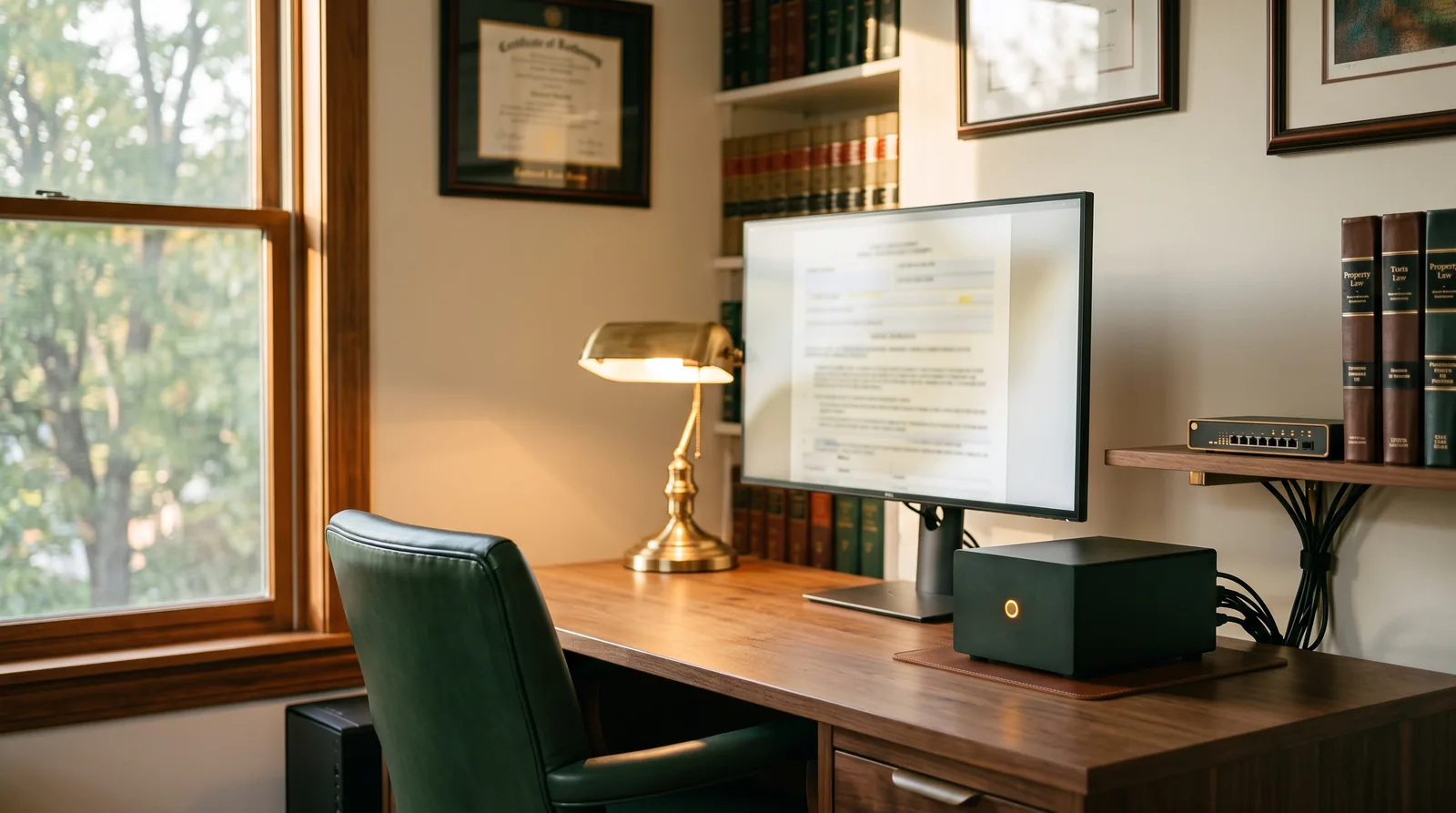
A workstation that happens to be an AI server
One machine on one desk, running a capable model against the firm's own documents. No server room, no rack, no specialist on staff.
Hardware
Apple Mac Studio (96–256 GB unified memory) · NVIDIA DGX Spark (20-core Arm CPU, 128 GB unified memory per NVIDIA's hardware guide) · an RTX 5090-class tower
Budget
≈ $5,000–$18,000 one-time, 2026 pricing
Runs
Typically 30- to 120-billion-parameter open models, quantized — actual speed, context, and concurrency measured on the exact model and runtime before you rely on it
Software
LM Studio or Ollama pinned to local-only mode; Open WebUI or AnythingLLM for private document search
Good for
Deposition digests, contract extraction, file summaries, first-draft correspondence, private search across a practice's history
We configure and then test that the runtime stays local-only — several popular tools added optional cloud routing in 2026 — and we check telemetry and update settings while we're there.
Shared server · many users with permissions
A shared private assistant with matter-level permissions
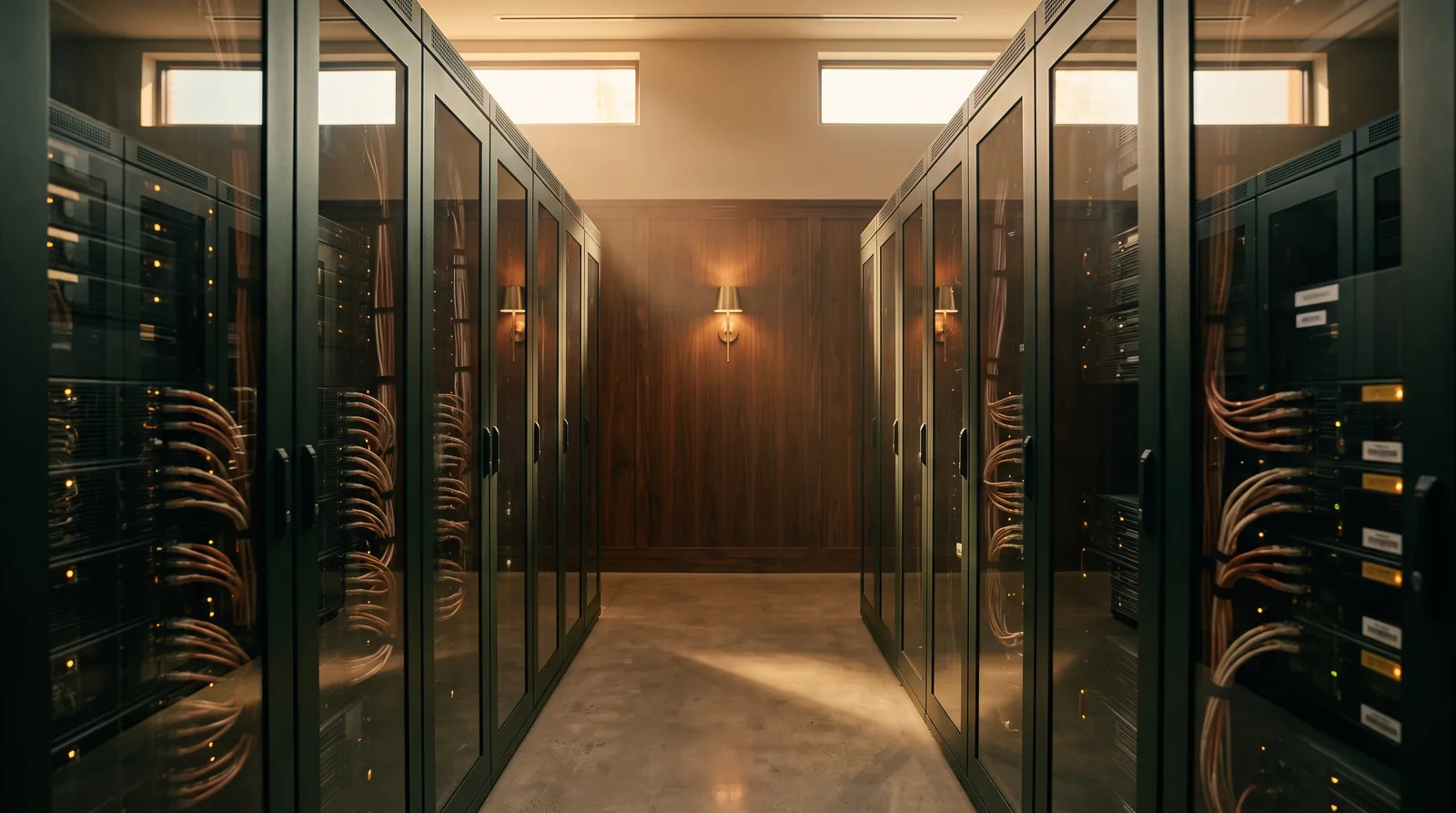
A GPU server in a lockable equipment room, serving the whole firm through single sign-on, with a document index that only shows each person the matters they are allowed to see.
Hardware
2–4 × NVIDIA RTX PRO 6000 Blackwell (96 GB each) in a rack or tower server; single-node H100/H200-class systems for heavier review workloads
Budget
Tens of thousands to low six figures depending on GPU count (RTX PRO 6000 ≈ $16,000 per card in 2026)
Runs
Larger open models for several simultaneous users, depending on context length and quantization — sized from a load test, not a parameter count
Software
vLLM serving · SSO-integrated chat front end · retrieval index with per-matter access filtering · audit logging · tested backups
Good for
Firm-wide private assistant, document review at scale, intake triage, drafting from the firm's own precedent
The most common mistake in firm-wide document search is a retrieval index that ignores ethical walls. Matter-level permissions are not optional here; we build them in from day one.
Data-center scale · many concurrent users
Rack-scale inference under your own roof
For firms with data-center space, in-house IT, and workloads or client requirements that justify it.
Hardware
NVIDIA DGX B200/B300 nodes, scaling to GB200/GB300 NVL72 rack systems (72 GPUs, liquid-cooled)
Budget
Negotiated — mid six figures for a few DGX nodes; roughly $2–4 million for a full NVL72 rack in 2026
Runs
The largest open models and high concurrency. Fine-tuning on firm material is a separate project with its own data-rights, cost, and purpose review — never a default
Software
Kubernetes-orchestrated vLLM/Triton serving (or NVIDIA AI Enterprise and NIM microservices where the firm licenses them) · SSO/SCIM · DLP integration · red-team testing · disaster recovery
Good for
Enterprise-wide review and drafting, regulated clients, cross-border matters with data-residency obligations
We design, specify, and govern; installation runs alongside your data-center partner and an authorized NVIDIA reseller. Most large firms start with a few nodes, not a full rack. Product names are used to describe compatibility; Firm Upgrade is an independent consultancy, not an NVIDIA or Apple partner or reseller unless expressly stated.
Open-Weight Models & Open-Source Runtimes
What actually runs on the hardware
"Open-weight" means the model file is published and can be downloaded and run. Licenses differ and matter for a law firm: we check each model's license against your intended use and record it in the roadmap.
Qwen 3 · Apache 2.0Gemma 4 · Google termsgpt-oss · Apache 2.0Llama 4 · Meta community licenseMistral · Apache 2.0DeepSeek · MIT
Runtimes and interfaces
OllamaLM Studiollama.cppvLLMOpen WebUIAnythingLLM
Private document search, done properly
Retrieval-augmented generation (RAG) is what turns a chat window into "ask our files." Done carelessly, it also becomes the fastest way to breach an ethical wall inside the firm. Ours is built around three rules:
Index and embeddings stay on-premises — never a hosted vector database
Every chunk carries its matter and its permissions, enforced at retrieval time, not in the prompt
Every answer cites the source page, so verification is a click, not a hunt
The Honest Part
What local AI is great at — and where it isn't
Where it wins
Summarizing, extracting, classifying, and searching the firm's own documents at volume
First drafts of routine correspondence and internal memos
Matters or clients with data-residency or "no outside processing" requirements
Steady high usage, where a per-token bill would add up
Work that must survive a vendor outage, price change, or policy change
Where to be careful
Frontier models still lead on complex legal reasoning and very long documents; keep a governed commercial plan for that work
Someone has to maintain it — patches, model updates, backups, physical access; we hand over runbooks and offer support with written scope
"Local" isn't automatically private — telemetry, update services, remote-support tools, connectors, and cloud backups can all send data out unless configured
Physical security becomes your job: a locked room, a UPS, and a tested restore are part of the install
Hardware prices swing — GPU memory shortages roughly doubled one workstation card's price in 2026; we quote at order time
Hallucination doesn't disappear because the server is yours; verification discipline still applies
Business Plans, Configured
Most of your AI work will still be in the cloud. Set it up deliberately.
For a lot of work, a business plan can be the right home — if the agreement and the admin settings match what you need. Four steps we run on every deployment, for every vendor.
Confirm the agreement that applies
Identify the exact product, plan, and agreement — including any DPA, which is often incorporated into the terms rather than signed separately — and what it says about training, retention, subprocessors, and support access. Request zero data retention or a HIPAA BAA only where it is offered for your features and the practice needs it.
Set training, sharing, and features at the admin level
Verify the tenant's training setting, then review features that change the data path — web search, connectors, file storage, agents — and disable what nobody approved or what falls outside the reviewed terms.
Set retention, SSO, and audit logs
Conversation retention aligned to your records policy, single sign-on so offboarding actually offboards, and logs you can produce if a client or regulator asks.
Document it
A dated evidence record — the agreement and any DPA that apply, screenshots of the settings, the features in use, the written AI policy — that makes a client security questionnaire far quicker to answer accurately.
Side By Side
Where the major AI platforms put your data
What each vendor publishes about training, contracts, and retention — summarized September 2026, with the API and feature notes rechecked October 2, 2026. These are different protections: no training is not zero retention, a DPA is not a BAA, and none of them is the same as your duty of confidentiality. Terms change often — we re-verify every one at deployment time.
Platform
Trains on your data? (business tier)
Contract (DPA)
Retention controls
Where it runs
Our take
ClaudeAnthropic · Team / Enterprise
No, by defaultConsumer plans may train unless the user opts out
Included in commercial terms
Admin-set retention; API ZDR by arrangementStateful API features (e.g. Files, Batch, code execution, Managed Agents) are not ZDR-eligible
Anthropic cloudCertifications and BAA availability confirmed for the plan at deployment
Our go-to for research and drafting; legal connectors including Midpage.
ChatGPTOpenAI · Business / Enterprise
No, by defaultConsumer plans train unless "Improve the model" is off
Executable self-serve
Workspace retention settings; API ZDR by approvalAPI stateful endpoints (Assistants, Threads, Vector Stores, Conversations, Agents, Batch, fine-tuning) are not ZDR-eligible
OpenAI cloudCertifications and BAA availability confirmed for the plan at deployment
The one your staff already knows — which is exactly why it needs governance.
GeminiGoogle · Workspace / Gemini Enterprise
No (qualifying Workspace editions)Consumer Gemini and third-party apps used with Gemini are under different terms
Built into the Workspace / Cloud DPA
By contractual amendmentEligible enterprise customers
Google CloudScope differs between Workspace Gemini and Gemini Enterprise — we confirm which you're buying
The natural fit for firms already living in Google Workspace.
Microsoft 365 CopilotMicrosoft · commercial tenants
No — Enterprise Data Protection
Automatic in Microsoft's DPA
Your tenant's retention policies apply
Your Microsoft 365 tenantGenerated web-search queries go to Bing; Microsoft states its DPA does not apply to them. Web search can be turned off by policy
For firms in Word, Outlook, and Teams all day. Tenant hardening comes first.
Clio Manage AI & VincentClio · vLex
Verified in your Clio agreementWe confirm the training and retention terms before enablement
Clio subscription terms
Per Clio policy
Clio cloud
AI inside the practice-management system your matters already live in.
Lexis+ AI with ProtégéLexisNexis
No — "never uses customer data to train"
Vendor agreement
Customer-held encryption keysAdded May 2026
LexisNexis cloud
Authoritative research with Shepard's Verify; the citator an open model can't give you.
CoCounsel LegalThomson Reuters · Westlaw
No — prompts not used to train
Vendor agreement
Per TR policy
Thomson Reuters cloud
Agentic research and drafting grounded in Westlaw and Practical Law; next generation went GA in August 2026.
MyCase IQMyCase · built on OpenAI
No — contractual with OpenAI
Vendor agreement
Per MyCase policy
MyCase cloud
Inherits MyCase's own permissions — a good fit for small firms already on it.
MidpageAI-native case law
Confirmed in terms at deploymentSOC 2 Type II
Vendor agreement
Per Midpage policy
Midpage cloud
Research and cite-checking inside Claude through its MCP connector.
Local & open-weightQwen, Gemma, gpt-oss, Llama, Mistral, DeepSeek
Not by a model providerCheck runtime telemetry and any optional cloud features
Model license + other vendorsOS, runtime, support, and backup vendors still have terms
Set by the firm
Hardware you control
A third option for particular matters — after the rest of the data path is reviewed.
Summarized from each vendor's published privacy, enterprise, and trust documentation as of September 2026; the Anthropic and OpenAI API retention notes, Google Workspace privacy hub, and Microsoft Copilot web-search page were rechecked October 2, 2026. Public documentation describes what a vendor offers, not the settings or agreement of your account. Not legal advice; not a substitute for reading the agreement you sign. Product names belong to their owners.
AI Fluency Program
Training that maps to your ethical duties, not to a vendor's feature list
Six modules, taught separately to attorneys, staff, administrators, and the people who maintain your automations — synthetic examples first, then your approved workflows. Each module maps to a duty from ABA Formal Opinion 512, state guidance, and, for California, SB 574. Not MCLE-accredited unless a course says so in writing.
How the models actually work
What a language model is and isn't, why it hallucinates, where it is reliably strong, and how to tell the difference before it reaches a client.
Duty: competence
What goes where
Your firm's own map: which approved tool may receive which kinds of information, based on the reviewed access and settings of each — including the personal identifying information SB 574 lists. A one-page guide every person keeps at their desk.
Duty: confidentiality
Administering the business plan
Hands-on with the admin console: confirming the agreement, training and sharing settings, retention, SSO, audit logs, feature controls, offboarding, and keeping a dated record of what was verified.
Duty: confidentiality & supervision
Verification and candor
Cite-check discipline for AI-surfaced authority using Shepard's, KeyCite, or Midpage's citator — and the attorney's own personal verification of every citation in a court filing, recorded against the version filed.
Duty: candor to the tribunal
Disclosure and client communication
Court disclosure for AI-assisted filings, the separate decision about public content, when client consent may be needed, engagement-letter language your attorneys approve, and how AI-assisted work is billed.
Duty: communication, candor & fees
Policy and supervision
Your written AI policy — what's allowed, what's prohibited, who reviews what — plus the quarterly refresh that keeps it current as the tools change.
Duty: supervision
Delivered live, recorded for your library, and refreshed as your tools change — the same formats as our Training & Enablement service.
The Engagement
From "should we?" to "it's running" in four steps
Classify & measure
Part of the fixed-fee assessment: which work might run locally, how much of it there is, and whether local AI is justified at all — with a short pilot on representative, non-confidential tasks.
Specify
Hardware from the measured workload, model choices and licenses, RAG design with matter-level permissions, the full data path, physical and network security, backup, recovery, and exit — priced at order time.
Install & verify
Build, runtime tested local-only, telemetry and updates configured, SSO, logging, a tested restore, and a permission test against the retrieval index before anyone relies on it.
Train & hand over
The AI Fluency Program for every role, runbooks and an inventory, then optional support with written scope for patches, model updates, and the questions that come up in week three.
Common Questions
Is local AI right for a law firm? Your questions, answered.
What does "local AI" actually mean for a law firm?
It means the AI model runs on hardware the firm controls — a workstation, a server in your equipment room, or GPU servers in a data center — instead of sending prompts to a model provider's cloud. Configured correctly, prompts and answers are processed on that hardware. Other paths still need review: runtime telemetry, model and software updates, remote support, connectors, backups, and the license terms of each model. Open-weight models from Qwen, Google (Gemma), OpenAI (gpt-oss), Meta (Llama), Mistral, and DeepSeek can be downloaded and run; their licenses differ and we check each one for your use.
Is a locally hosted model as good as Claude or ChatGPT?
Not on the hardest reasoning tasks, and we won't pretend otherwise. Frontier cloud models still lead on complex legal analysis and very long documents. Open-weight models can handle much of the high-volume work firms need — summarizing, extracting, first-draft correspondence, searching your own files — but quality depends on the exact model, settings, and task, so we measure it on your work in a pilot. Many firms end up with both: a business plan for general work and a local model for particular matters.
What does the hardware cost?
It depends on the workload, not on headcount. The model you need, its context length, how many people use it at once, acceptable response times, document volume, storage, and backup all drive the choice. As rough September 2026 street prices, capable single-machine setups (for example an Apple Mac Studio, NVIDIA DGX Spark, or an RTX-class workstation) run from about $5,000 to $18,000, while multi-GPU servers run into the tens of thousands or more. Prices move quickly; we quote at order time and test the exact configuration before you rely on it — including whether you need local hardware at all.
Who maintains it once it's installed?
Someone has to patch the system, update models, test backups, manage physical access, and watch the document index. That is the real ongoing cost of local AI. We hand over runbooks, an inventory, and a tested restore, and offer a support agreement whose scope and response targets are written down. We also configure and verify that the runtime stays local-only — some popular tools now offer optional cloud features that would route prompts off the machine.
Does local AI replace our commercial AI plan or our research platform?
Rarely. Local models don't replace Lexis+, Westlaw, or Midpage — those bring the authoritative legal databases and citators an open model doesn't have. A well-configured business plan for Claude, ChatGPT, Gemini, or Copilot often remains the best fit for day-to-day work. Local AI is an additional option for particular documents, matters, or client requirements.
Can our staff use it without becoming engineers?
Yes. The interface is a chat window like any other AI assistant, plus a document search that returns answers with the source page attached. We train every role on it the same way we train on Clio or Claude: what to put where, how to verify the output, and when to stop and ask.
Find out whether local AI fits your work.
The fixed-fee assessment maps where your data goes today, measures the workload, and tells you honestly whether you need local hardware at all.
This site does not use tracking or advertising cookies. Fonts and images are served from our own server, and nothing about your visit is shared with third parties. If we ever add optional analytics, they will only run if you accept here. See our Privacy & Cookie Policy.